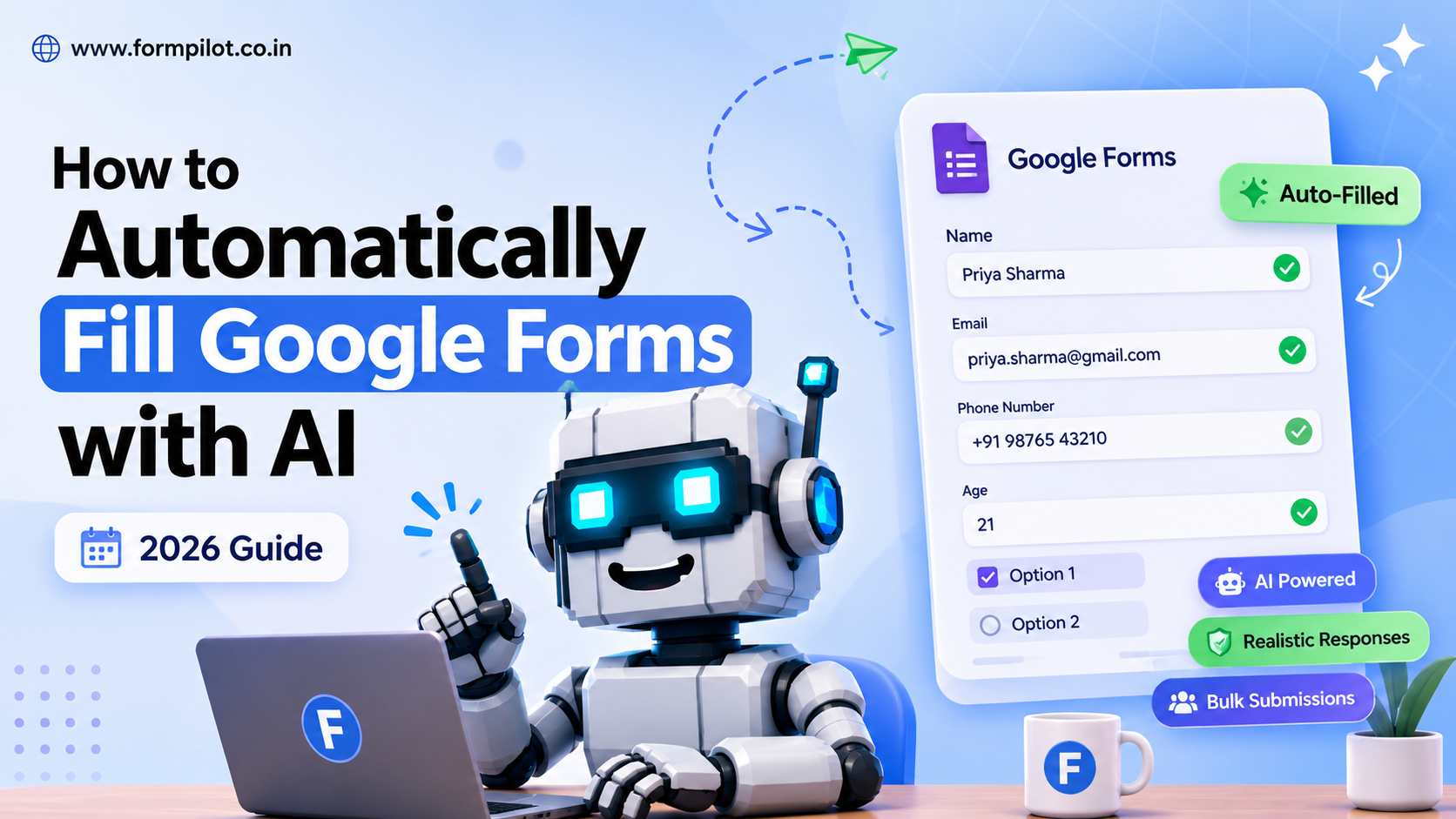
Filling Google Forms manually can be slow and repetitive, especially if you need dozens or even hundreds of responses for testing, demonstrations, research, or classroom projects. Fortunately, AI tools can automate Google Form submissions by generating realistic responses in minutes. In this guide, you'll learn how AI-powered Google Form automation works, when it's appropriate to use, and how to get started.
Why Automate Google Forms?
It saves time, you get realistic survey responses in minutes and you can focus on writing report
You can test your google form
you can generate sample responses
Can AI Fill Google Forms Automatically?
Yes. Modern AI-powered tools can automatically fill Google Forms by analyzing the form's structure and generating realistic responses for each question.
FormPilot uses a custom form-filling engine that intelligently interprets different question types and generates contextually appropriate responses instead of inserting random or repetitive data.
How FormPilot Generates Realistic Responses
- Region-aware data generation: Creates authentic Indian or international names based on your selected region.
- Gender consistency: Detects gender-related questions, assigns a consistent profile gender, and generates matching names throughout the form.
- Context-aware field mapping: Identifies what each text field is asking for and generates suitable values, such as names, email addresses, phone numbers, ages, or physical addresses.
- Support for complex Google Forms: Correctly handles short answer fields, paragraphs, multiple-choice questions, checkboxes, dropdowns, linear scales, multiple-choice grids, and checkbox grids.
- Custom responses: Lets you define your own answers for short-text and paragraph questions while automatically generating the remaining fields.
Instead of producing repetitive or unrealistic submissions, FormPilot creates coherent, human-like responses that make automated Google Form testing and sample data generation much more effective.
How to Use FormPilot
Getting started with FormPilot takes only a few minutes. Follow these steps to automatically fill your Google Forms with realistic AI-generated responses.
Step 1: Create a FormPilot Account
Create your free FormPilot account and log in. Every new user receives 8 free credits, allowing you to generate 8 Google Form submissions at no cost. For higher submission limits, you can choose from our paid plans on the Pricing page.
1 credit = 1 Google Form submission
Step 2: Open the Google Form Filler
From the homepage, click the Go to Filler button or visit:
https://www.formpilot.co.in/filler
Paste the Google Form link you want to automate and click Analyze.
FormPilot will analyze your form and display its complete structure before generating any responses.
Step 3: Configure Your Google Form
Before generating responses, make sure your Google Form is configured correctly:
Collect email addresses is set to Do not collect.
Limit to 1 response is turned OFF.
Sign-in is not required.
The form does not contain CAPTCHAs or File Upload questions.
These settings allow FormPilot to automate bulk Google Form submissions successfully.
Step 4: Customize Response Generation
After your form has been analyzed, you can customize how responses are generated.
You can:
- Choose the number of responses to generate.
- Generate Indian or International names.
- Customize short-answer and paragraph responses.
- Preview the form before starting the automation.
- This ensures the generated responses match your requirements.
Step 5: Start Automatic Form Filling
Click Start Autofill to begin generating responses.
As FormPilot works, you'll see a live activity log showing:
- Submitted names
- Generated email addresses
- Submission progress
- Total completed responses
- This allows you to monitor every submission in real time.
Link to
FAQ - https://www.formpilot.co.in/faq
Pricing - https://www.formpilot.co.in/pricing
Features - https://www.formpilot.co.in/features
Contact - https://www.formpilot.co.in/contact